Use this script with your existing ad blocker, like uBlock Origin.
YouTube has started showing “still buffering” / “Experiencing interruptions?” messages to discourage people from using ad blockers. This script is designed to bypass that issue while you keep using your normal ad blocker.
Thank you for all the support this project has received.
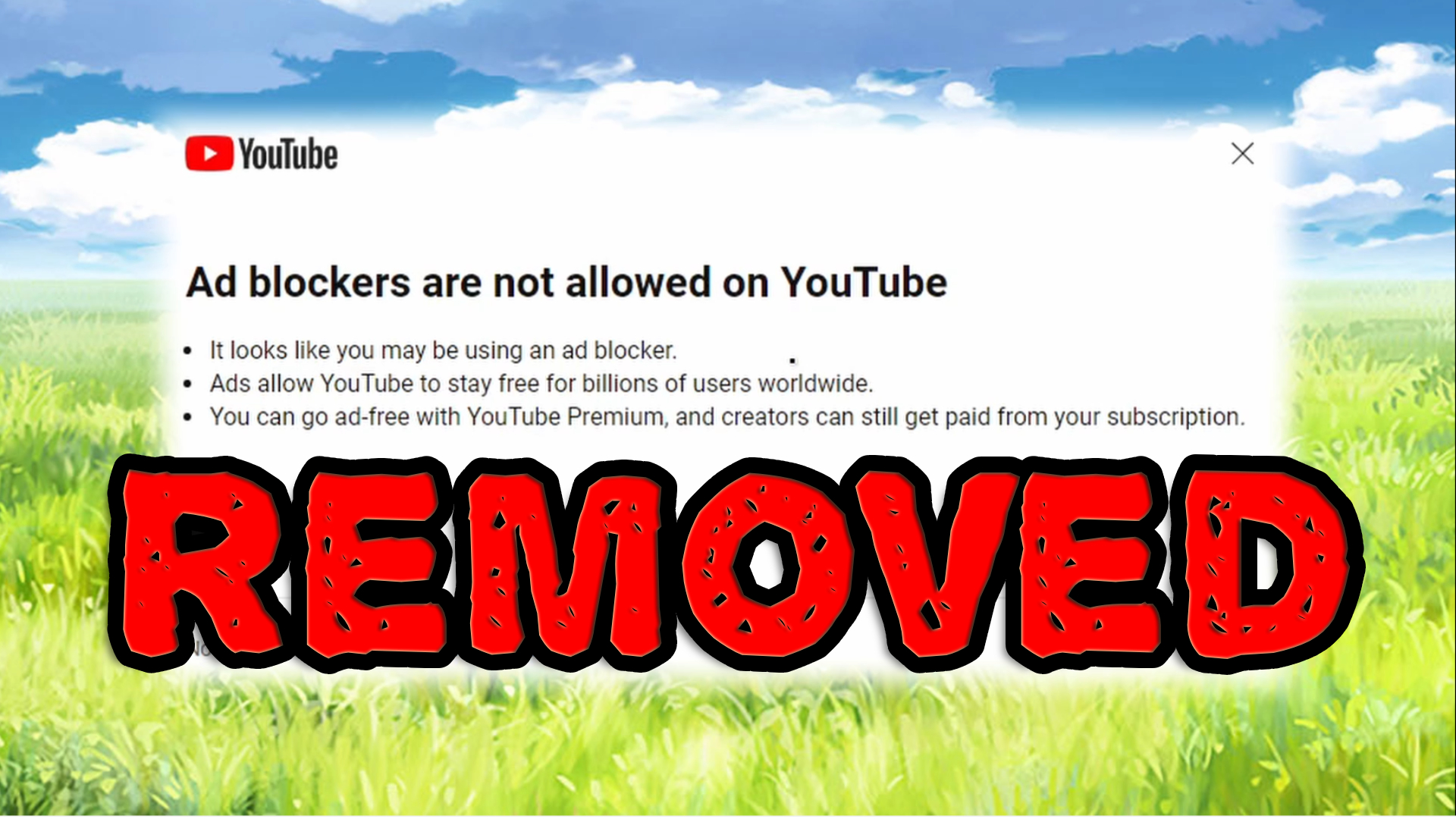
This repository contains a userscript designed to remove YouTube’s annoying ad blocker warnings and help bypass the “still buffering” issue that YouTube uses to discourage ad blockers.
This script is meant to be used together with your existing ad blocker. For best results, use it with an ad blocker like uBlock Origin.
-
Install Tampermonkey: If you haven't already, install the Tampermonkey browser extension. You can find it for various browsers:
-
Install the Script: Click Here and Press Install.
-
Enable the Script: Enable the script by clicking the switch next to the script name in the Tampermonkey Dashboard.
-
Use your existing ad blocker: Keep using your normal ad blocker, such as uBlock Origin. This script is designed to work alongside it and bypass YouTube’s ad blocker interruption / buffering behavior.
Note: This script helps when YouTube tries to interrupt playback or make videos buffer because an ad blocker is active.
“Ad blockers violate YouTube Terms of Service”, “Experiencing interruptions?”, or videos keep buffering
This usually means YouTube has detected ad blocking behavior and is trying to interrupt playback.
Common causes include:
-
Adblock extension: Use a reliable ad blocker like uBlock Origin and make sure this script is enabled.
-
Browser built-in adblock: Some browsers have built-in ad blockers. If you still have issues, try disabling the built-in blocker and using uBlock Origin instead.
-
Other Tampermonkey scripts: Scripts like YouTube enhancer may conflict. Disable them one by one to find the issue.
-
Wi-Fi/DNS/Firewall adblock rules: Network-level ad blocking can sometimes trigger YouTube’s detection. Check your DNS, firewall, or router settings.
-
Windows hosts file rules: Check the Windows hosts file at
C:\Windows\System32\drivers\etcfor ad-blocking rules.
If you have any suggestions, bug reports, or want to contribute to this userscript, feel free to create issues or pull requests in this GitHub repository.
This project is licensed under the MIT License.