



pdfcpu is a PDF processing library and command-line tool written in Go. It supports validation, optimization, encryption, signing, document assembly, content extraction, and other common PDF operations.
pdfcpu supports PDF versions through PDF 2.0 (ISO 32000-2). PDF 2.0 validation support is basic and continuously improving.
 Horst Rutter, the maintainer of pdfcpu, is a member of the PDF Association.
| Command-line interface | Go API |
|---|---|
| CLI Installation instructions | API Installation instructions |
Validate a PDF:
pdfcpu validate input.pdf
Merge two PDFs:
pdfcpu merge merged.pdf in1.pdf in2.pdf
See API documentation for usage examples.
Local images in create, form fill, and JSON/CSV form multifill are confined to
an allowed directory.
API callers must set conf.LocalImageRoot to enable them. The CLI defaults to its working
directory and localImageRoot in config.yml selects another root.
See local image access for configuration examples, path restrictions, migration instructions and security limitations.
- Validate, optimize, split, trim, and merge PDFs
- Extract and manipulate images, fonts, and metadata
- Encrypt and decrypt PDFs
- Resize and rotate pages
- Add and remove stamps and watermarks
- Validate signature integrity, report signature evidence, and remove signatures
- Manage attachments and portfolios
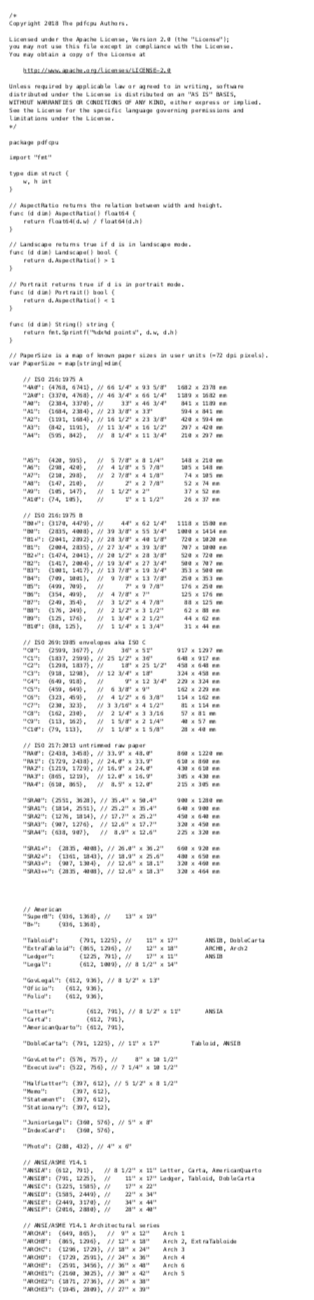
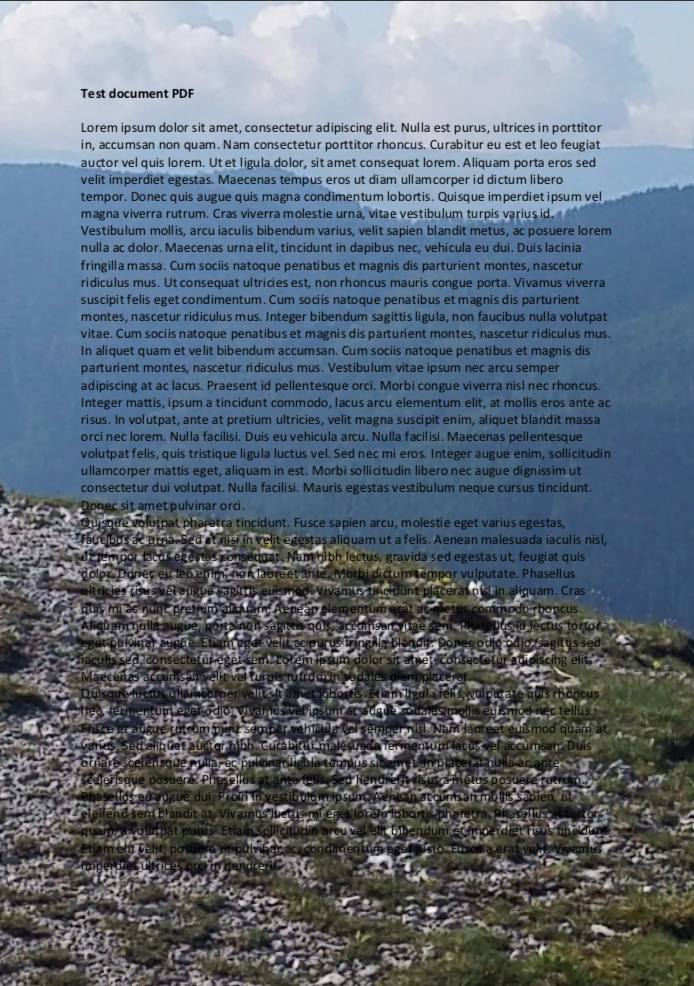
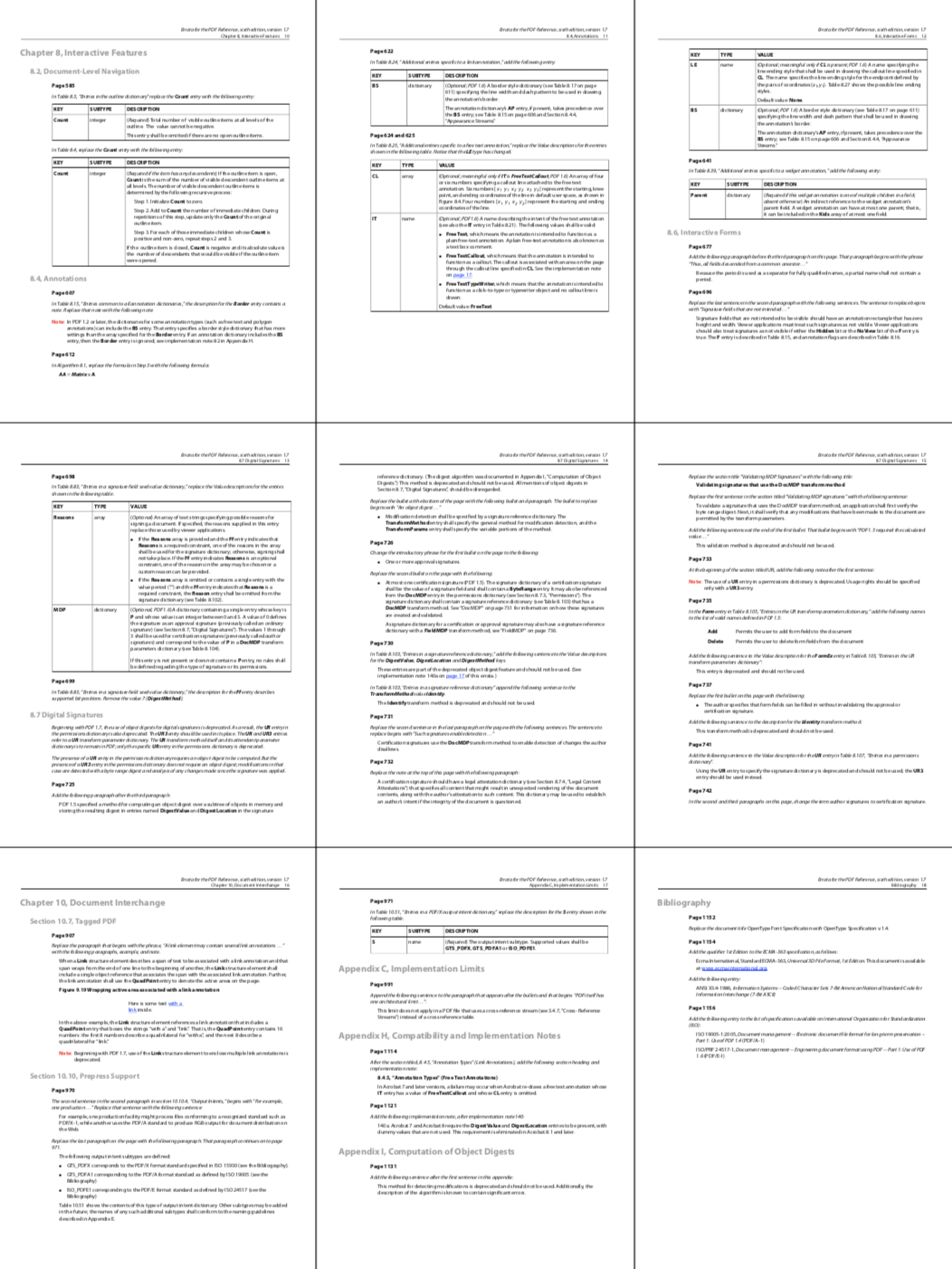
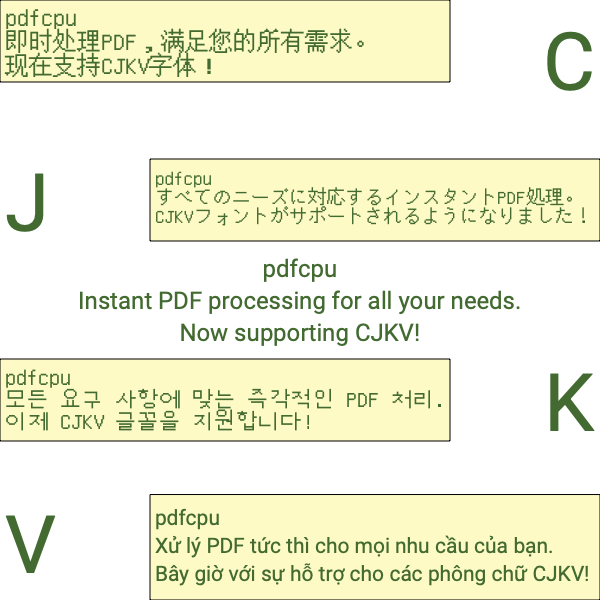
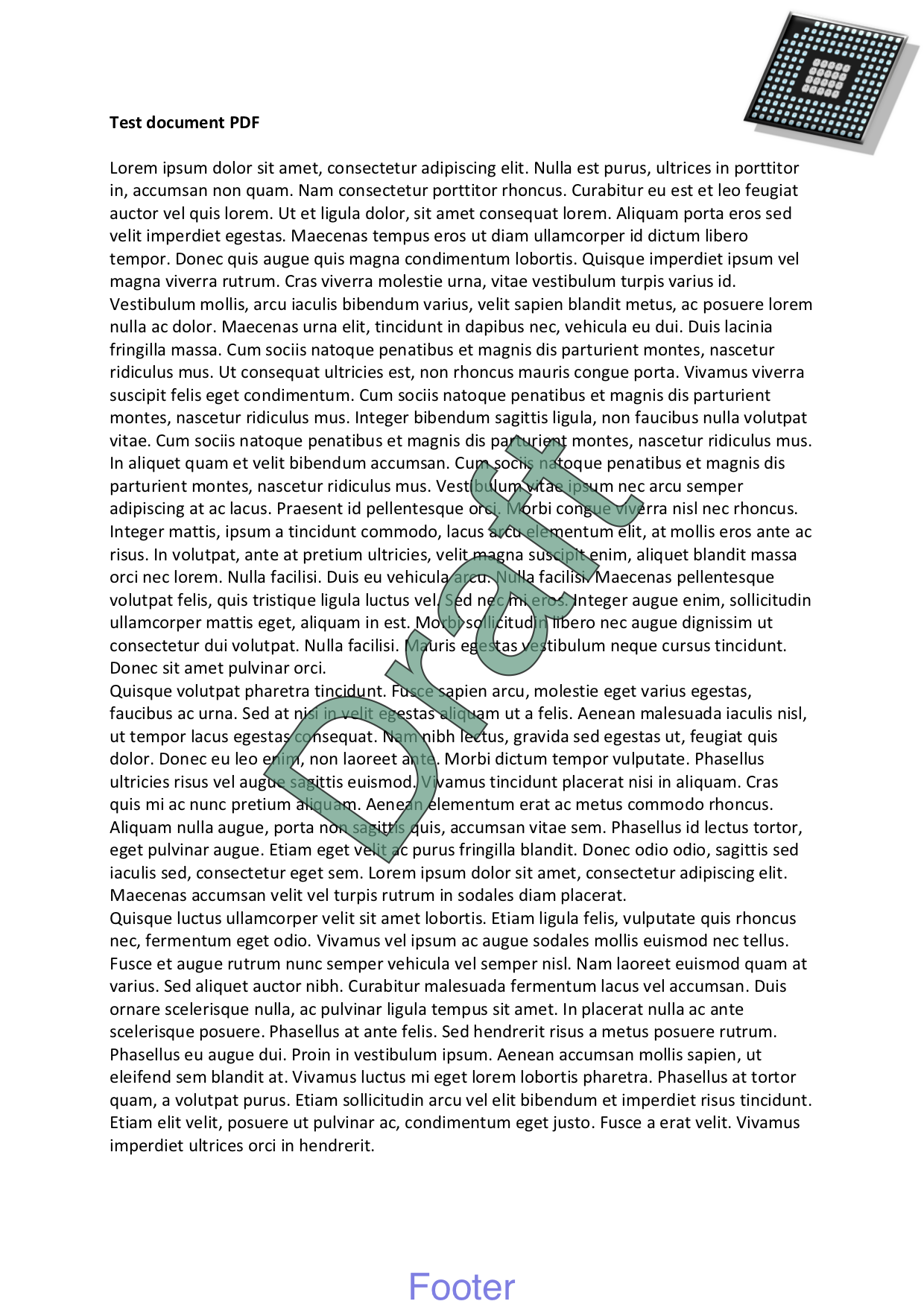
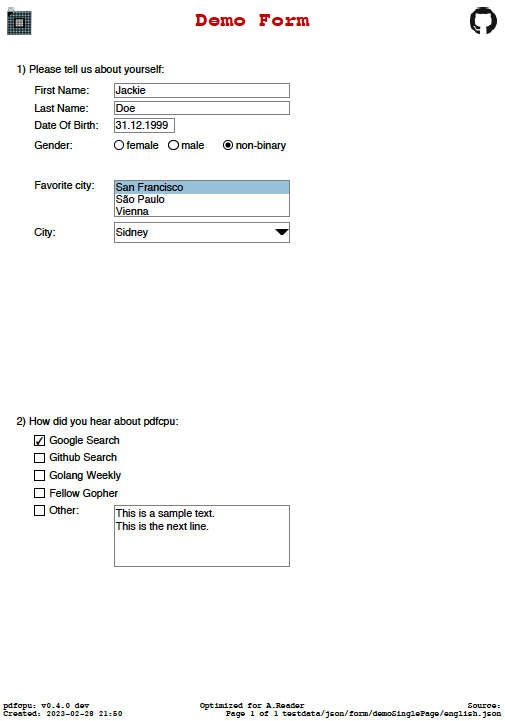
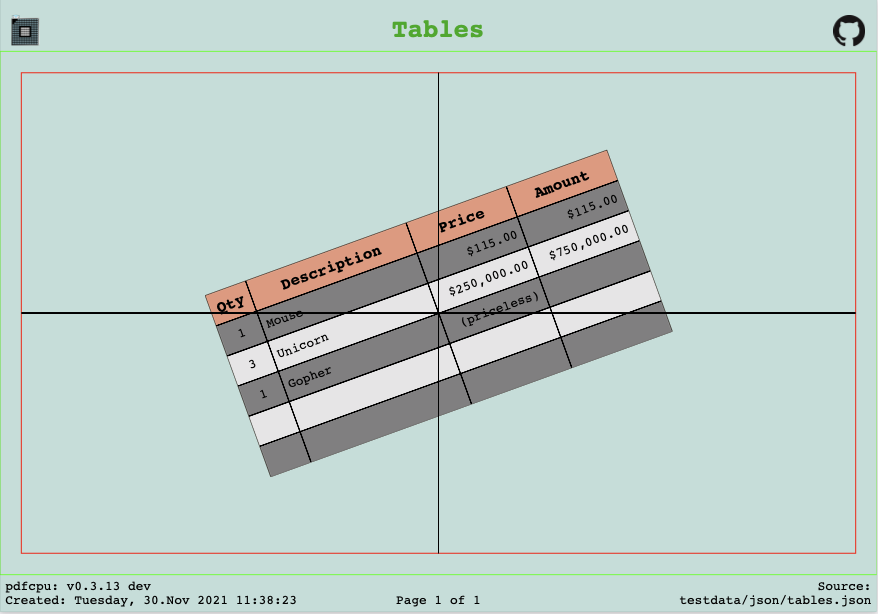
Selected examples:
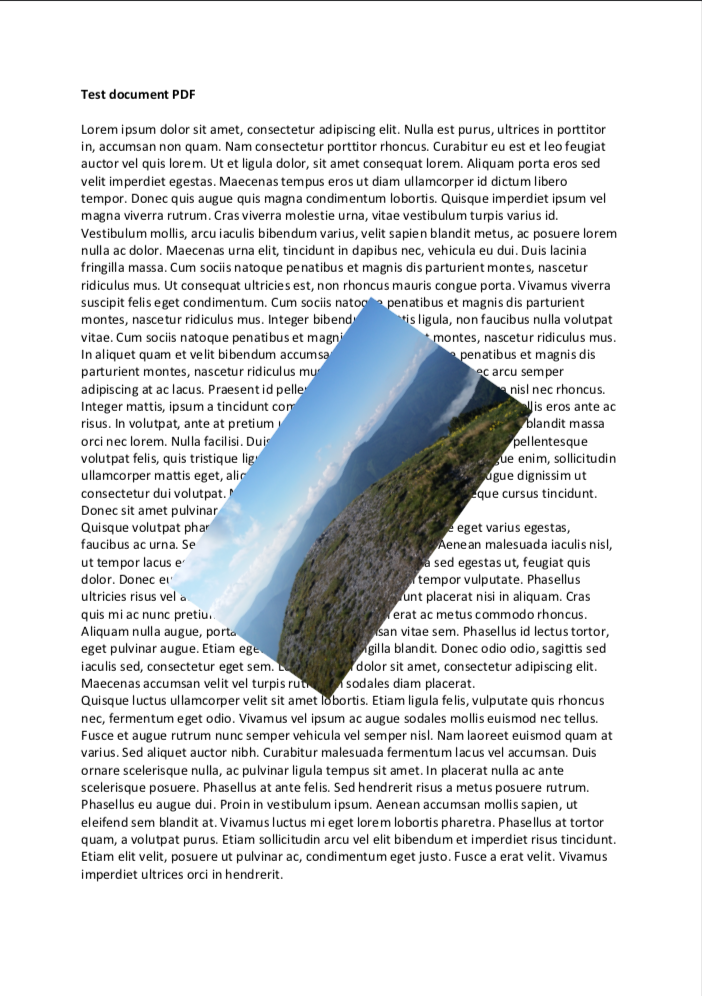
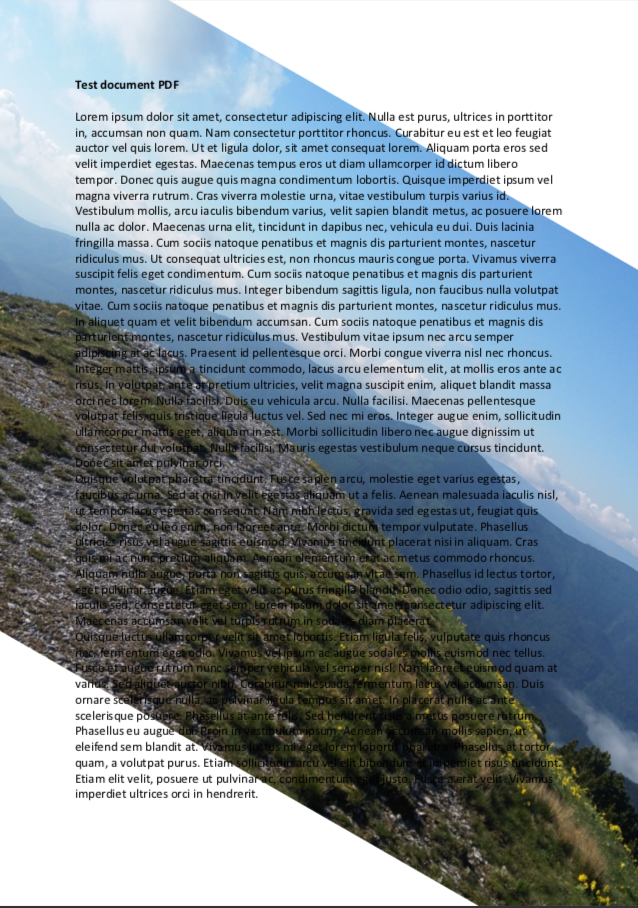
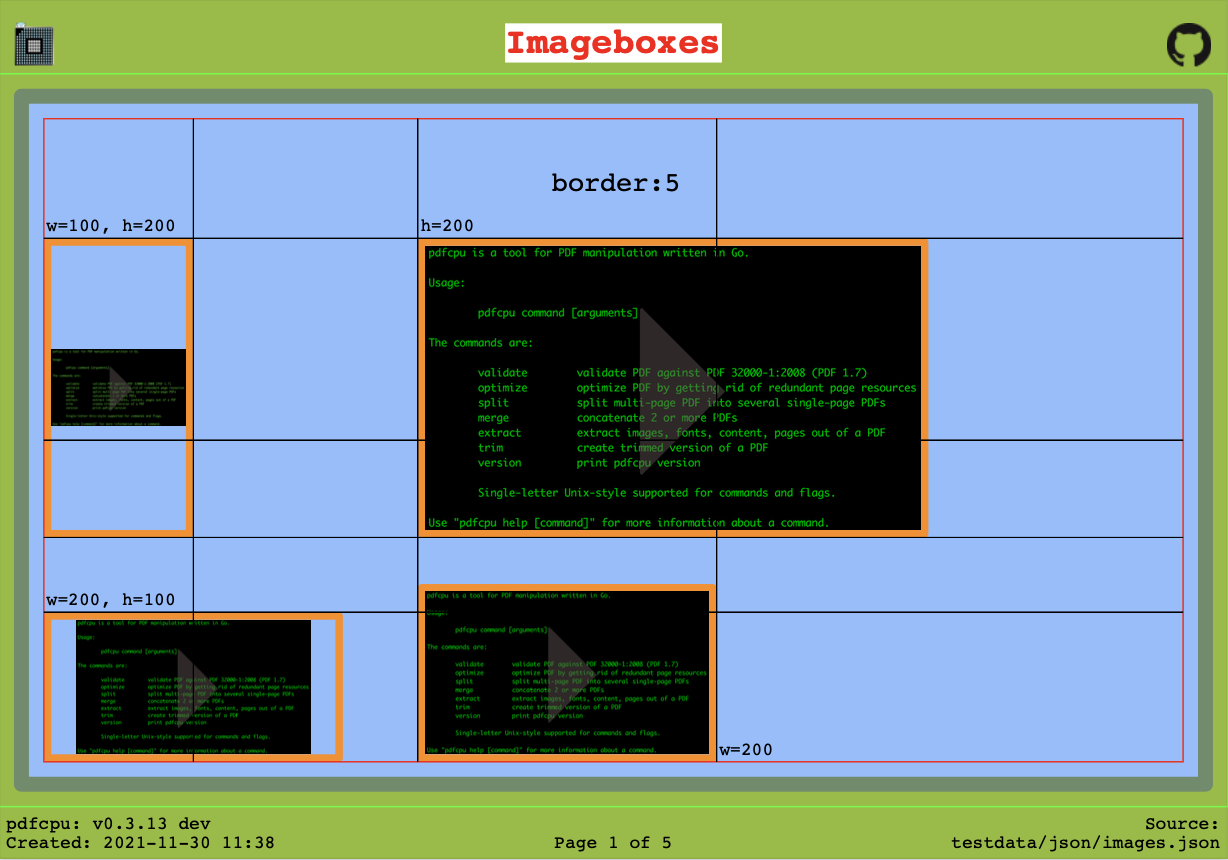
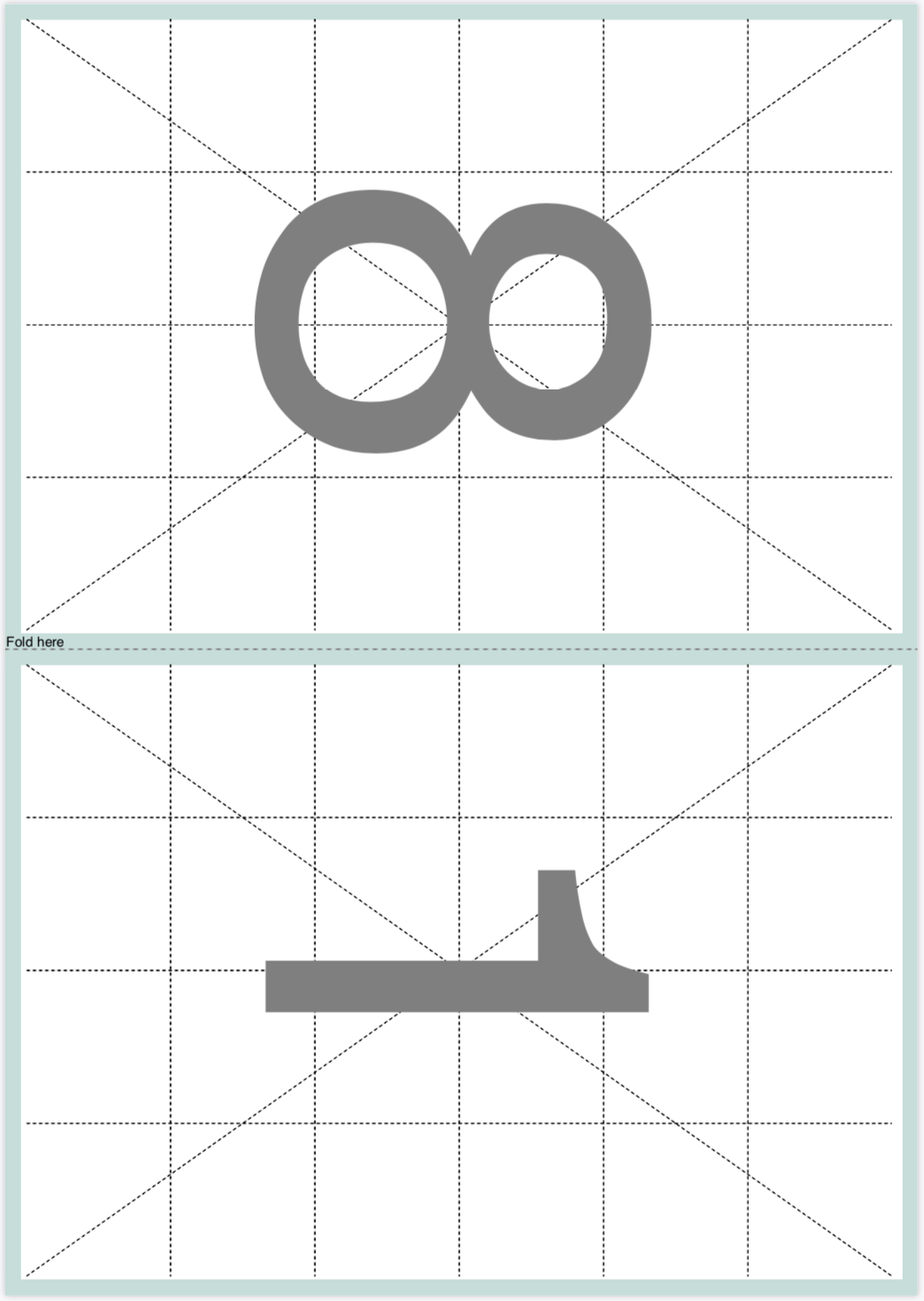


Complete list of supported commands:
pdfcpu aims to provide comprehensive PDF processing capabilities implemented in Go for both individual files and automated batch processing.
It focuses on correctness, robustness and independence from external dependencies.
- comprehensive PDF processing functionality
- minimal external dependencies
- predictable and stable behavior
- Project documentation: https://pdfcpu.io
- Changelog: https://pdfcpu.io/changelog
- Contributing guidelines
- Security policy
- Command help:
pdfcpu [command] --help
-
Package documentation: https://pkg.go.dev/github.com/pdfcpu/pdfcpu
-
API documentation: https://pkg.go.dev/github.com/pdfcpu/pdfcpu/pkg/api
-
Examples:
Contributions are welcome. See the contributing guidelines and the complete list of contributors.
For triage, we use Adobe Acrobat Reader and macOS Preview as practical compatibility references.
Reports are especially helpful when a PDF opens in either application but cannot be processed by pdfcpu, as these cases may
reveal opportunities to improve validation or parser compatibility.
If neither application can open the PDF, it is unlikely that pdfcpu will be able to process it reliably.
Start by validating the file:
pdfcpu validate -vv <file.pdf>Include the command, its verbose output, and a sample PDF with the report.
Please submit only files that you have permission to share and that contain no confidential information or personal data.
Please do not report security vulnerabilities through public GitHub issues.
See the security policy for private reporting instructions.
This project is released with a Contributor Code of Conduct. By participating, you agree to abide by its terms.
Use of pdfcpu assumes compliance with all applicable copyrights for any processed PDF content, including embedded resources such as fonts and images.
Gopher artwork by Renee French
Apache License 2.0
